Review the directions below before continuing on to your CAP application.
What You'll Be Doing As You Apply
You'll be submitting a CAP application and completing an online course request immediately after your application is submitted.
Before You Begin, You Will Need
Before you begin, make sure you have your social security number and your parent/guardian email address.
If you do not know your social security number, ask to text your parent/guardian to alert them you will need it in a few minutes and have them share it over a phone call.
Use Your Legal Name
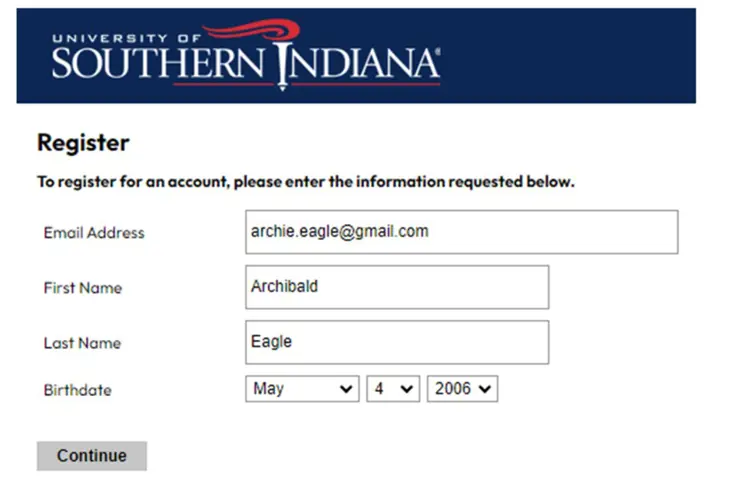
As you create your application account, make sure to use your legal name. For example, using Chris instead of Christopher will cause issues if you do not use your legal name.
School Information
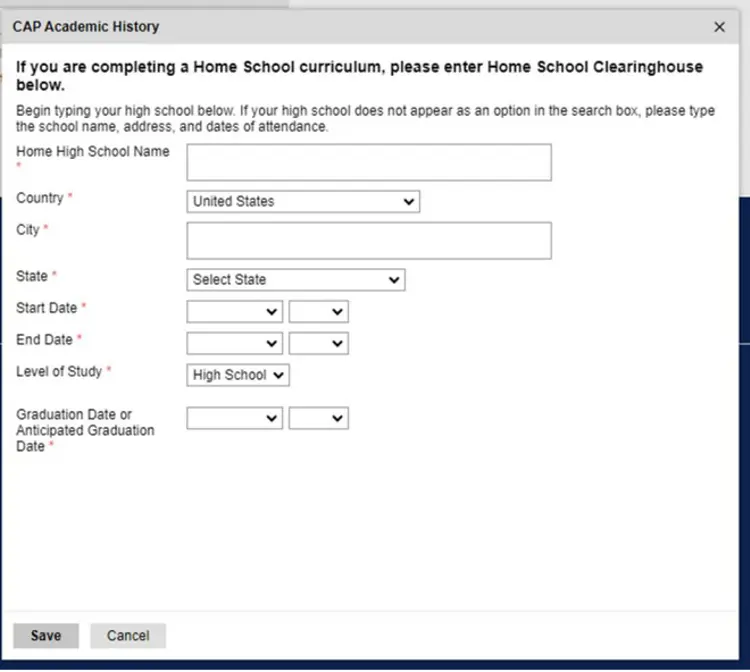
In your application, you will be asked to provide the start, end, and anticipated graduation date for your school.
The start date would be when you entered that high school as a freshman. The end date and graduation date should be the same. This area can be confusing to students.
Request Your Course
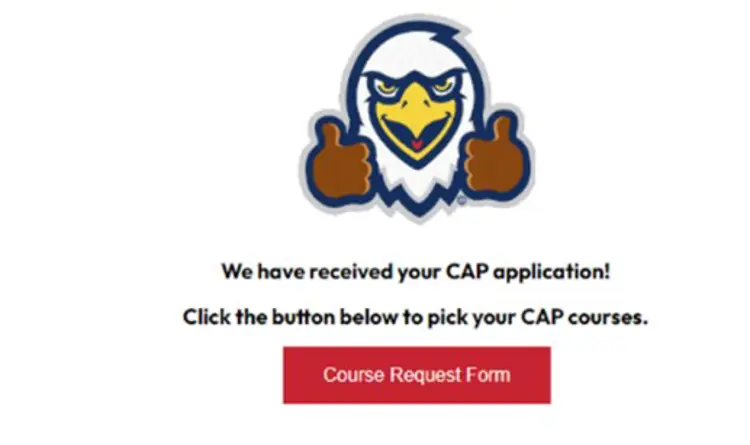
Once you have submitted your application, be sure to click the Online Course Request button to pick your CAP course(s) you want to take.
This is the second and final step of the application process.
Get Started!
Click here to create your application account (if you have not applied to USI as an undergraduate) begin!