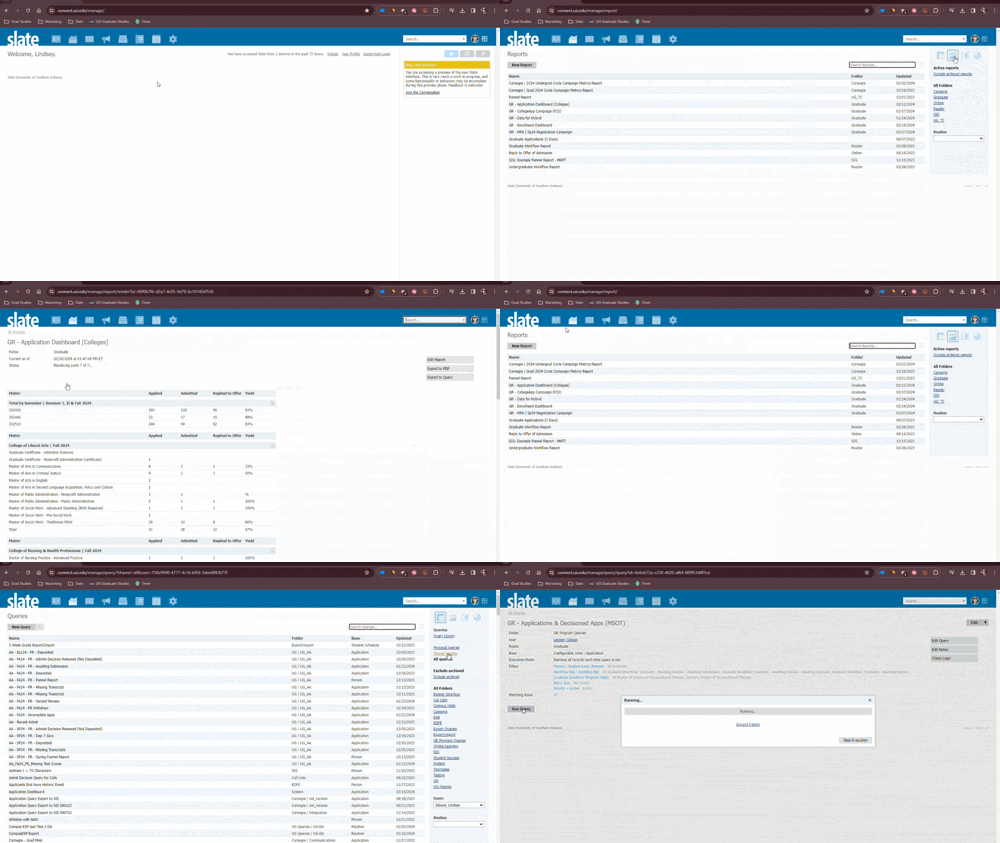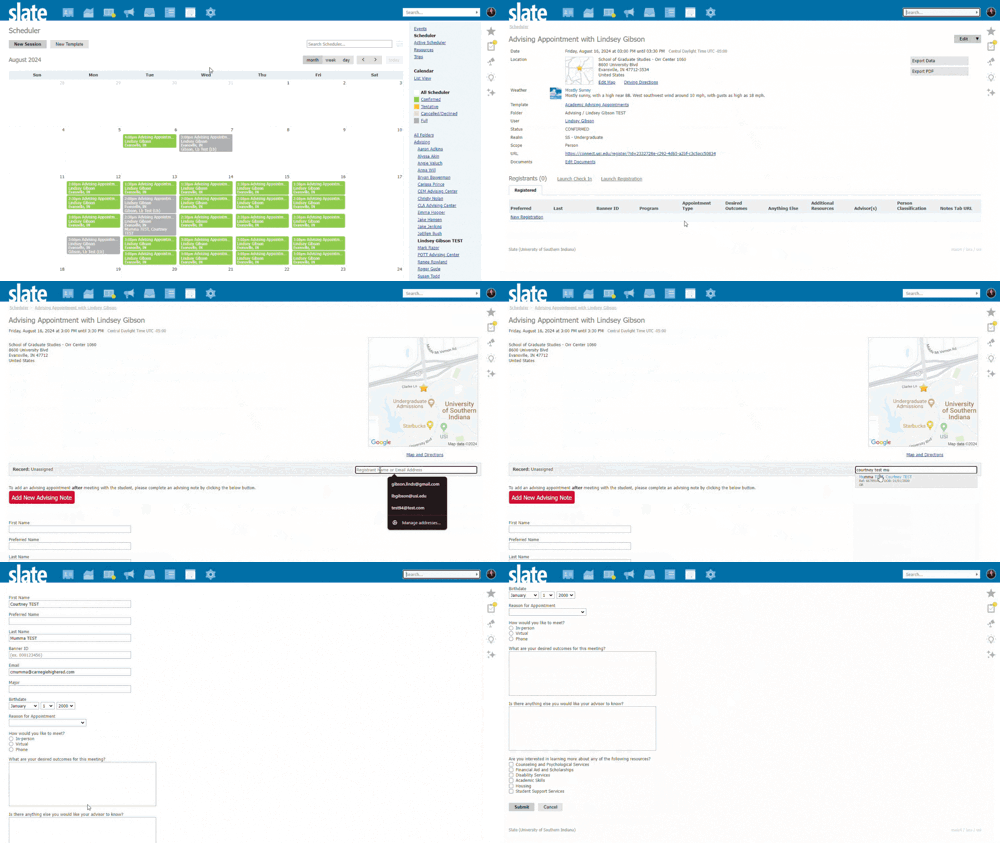
Click the below image to access the slide deck.

 search bar >> Click 'Inbox Gateway' >> Click "Connection Instructions" >> Copy email string
The Inbox Gateway is an ideal way to associate constituent email messages with a Slate record, regardless of the external email client you can be using (i.e. Outlook).
Check your Gateway Inbox frequently to match any emails not connected to student’s Slate profiles.
Knowledge Base Articles:
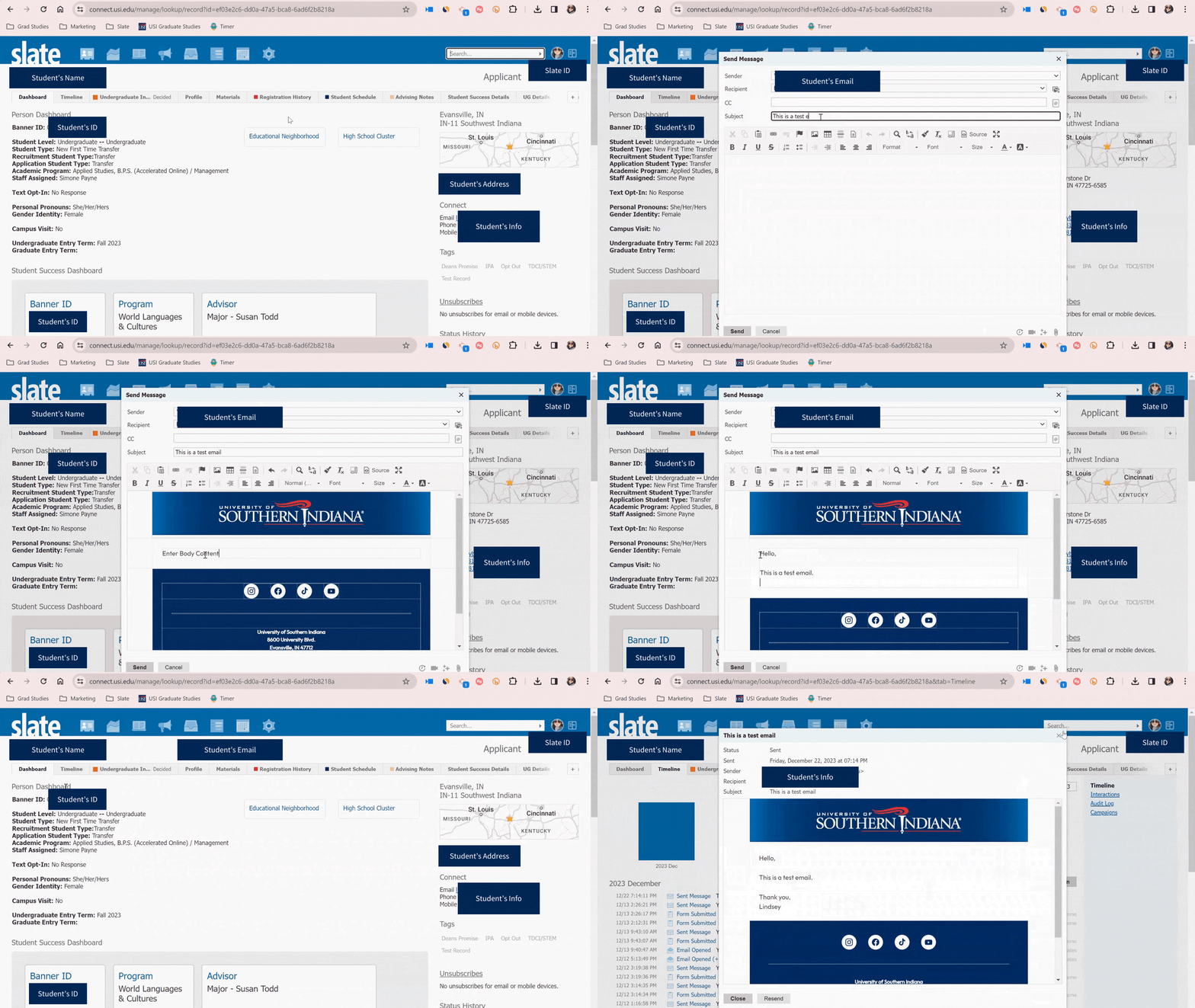 student >> Click email address
 Email student right from their Slate profile. This option allows you to select a recognizable email template, view email at anytime and review deliver information.
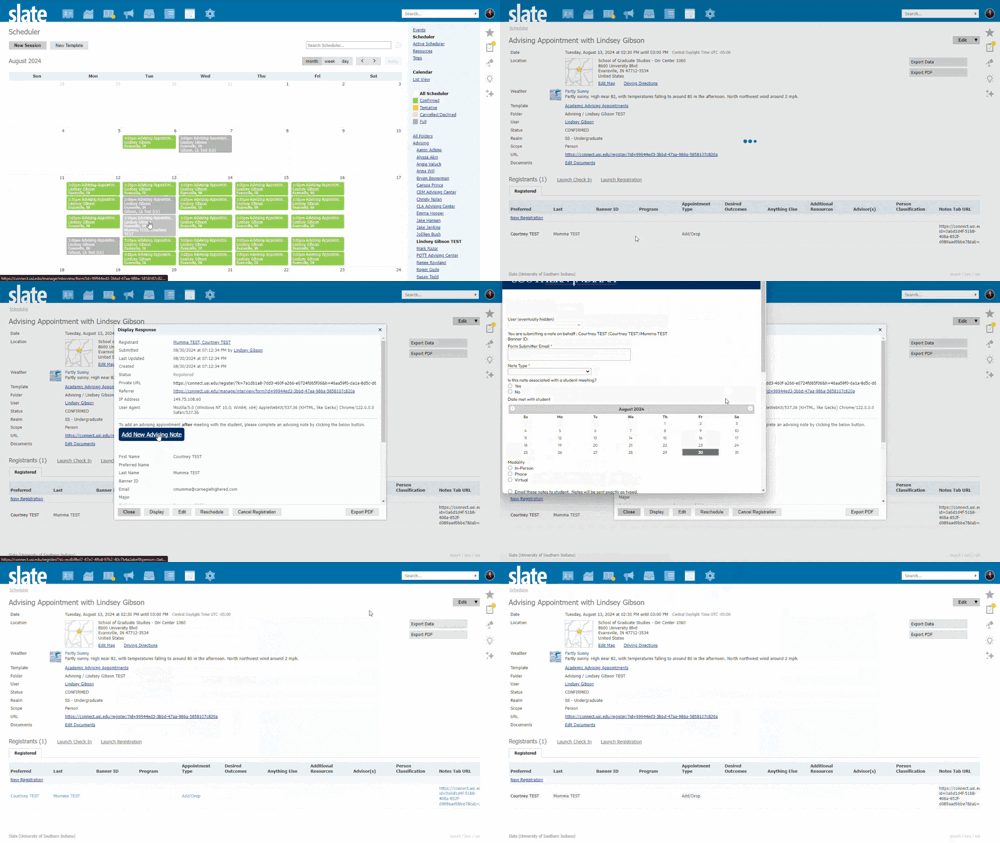
 student >> Click 'Advising Note' tab >> Click 'Add New Note' button
Select the meeting topic/conversation.
Input student specific details.
Slate will automatically send a recap email to student.