Skip to content

Training

Training Resources

University Web and Digital Content department uses Umbraco as our content management system (CMS) for the USI Website. An editors manual is linked on this page for a high-level overview of the system for those interested. 

We've developed standardized, consistent looking templates for Colleges and non-academic departments. 

Umbraco Training 

This is our training resource for specific tasks or features in Umbraco. We have created this library of video guides to help you learn, understand, and successfully utilize all the features of the new design.

These videos will walk you through everything from basic content updates to advanced page layouts. Please explore the topics below to find the training you need.

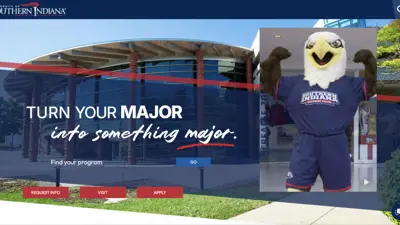
Screenshot of the USI homepage.

Switching to the New Templates

How to switch your webpage from old to new.

Screenshot of the header options available.

Flexible Header Options

Review of the three options for header styles.

Screenshot of the spotlight widget in use

Spotlight Widgets

Three display options with two color choices.

Screenshot of the Contact Row section in use

Contact Row

Adding your information for user engagement.

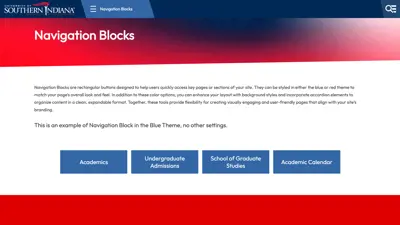
Screenshot of the Navigation blocks in use

Navigation Blocks

How to create a group of link buttons with several style options.

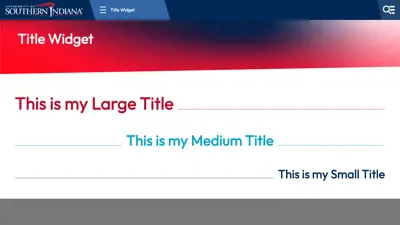
Screenshot of the Title widget in use

Title Widget

Title Styles with options for alignment, size, and lines.

Screenshot of the Stats and Icon widget in use

Stats and Icons

Highlight key facts, figures, or features about your programs.

Screenshot of what the Tiles widget no longer in use.

What to do about Tiles?

Tiles were phased out with the redesign. Find out how to fix your pages.

Screenshot of the page with delete options

Deleting PDFs and Word Docs

How to properly delete files with a two-step process.

Umbraco Accessibility Training for Editors

A refresher of specific techniques to make your web content accessible in Umbraco.

Connect With
University Web and Digital Content