


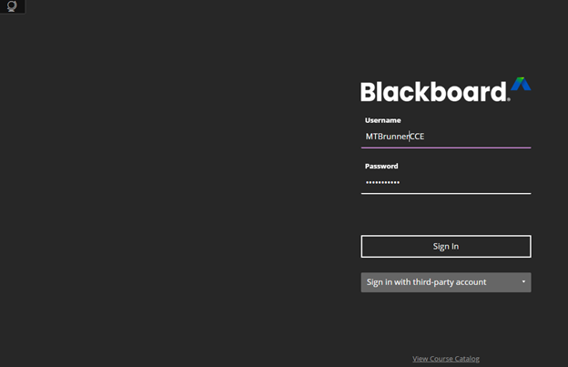
Navigate to https://www.usi.blackboard.com
Type in username and password. Add CCE to the end of your username.
Click “Sign In”
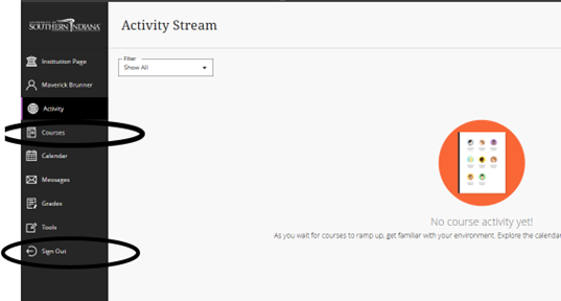
Click “Courses”
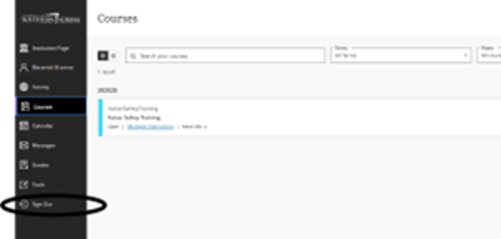
NOTE: IF YOU MUST LEAVE BEFORE FINISHING THE TRAINING, YOU MUST “SIGN OUT” BY USING THE SIGN OUT ON THE MENU. IF YOU DO NOT YOU WILL BE FORCED TO START OVER!!
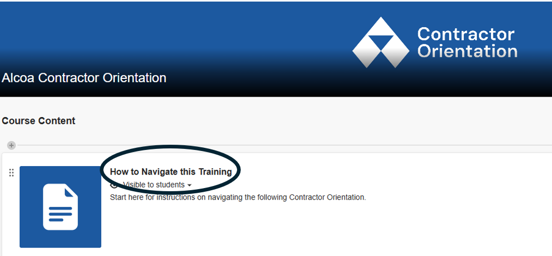
Click “How to Navigate this Training” for instructions
To exit “Navigating this Orientation” click on “X” in upper left corner.
Click “Module 1” to start course. NOTE: You cannot take the final without completing each Module.
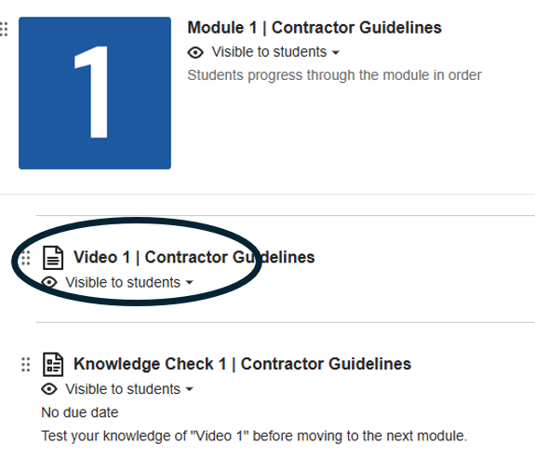
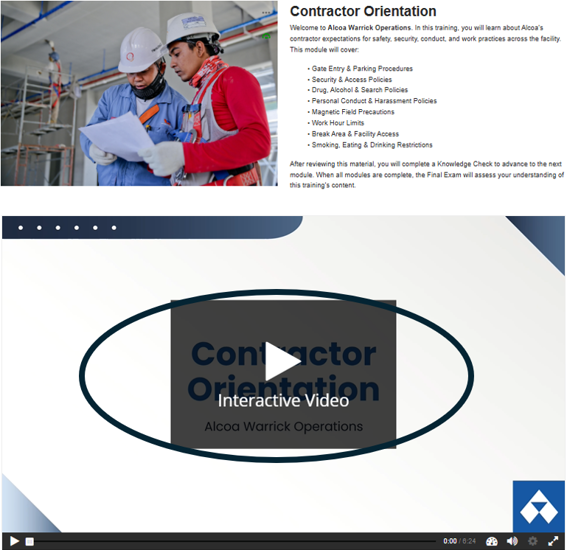
Click on the play button to start the video.
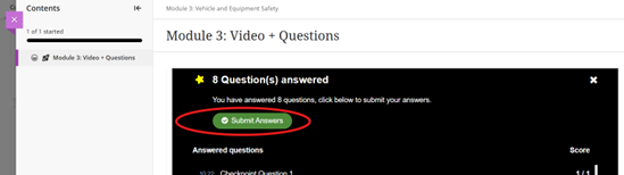
At the end of each Module is a short quiz consisting of 4 to 6 questions. You must click “Submit Answers” to continue.
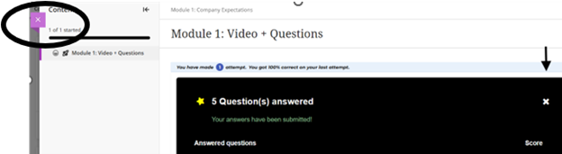
Click “X” on left side to move to next module.
When you have finished all 5 modules and quizzes, click “Final Test”
Click “Safety Test Instructions”
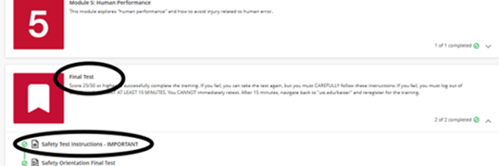
Read all of the instructions. Click “Next”
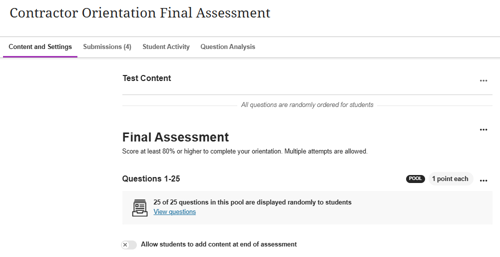
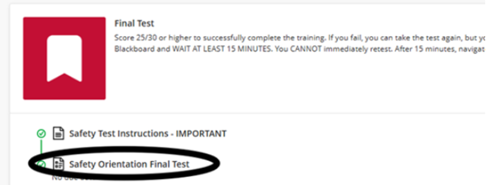
Click “Safety Orientation Final”
Click “Submit” when you have completed the final. You will receive a confirmation that the test was submitted. THIS DOES NOT MEAN YOU PASSED. A score of 25 or higher is required to successfully pass the training.

If you do not pass (24 points or below) you will need to retake the test. YOU CANNOT RESTART THE TEST RIGHT AWAY. The system enforces a cool down period of 30 full minutes. You will need to start from the beginning by registering for the training again.